
Construction
Construction Labor Hour Tracker
Included Sheets
- Instructions
- Dashboard
- Daily Time Log
- Worker Directory
- Weekly Summary
- Overtime Report
Construction Labor Hour Tracker - Manage Crew Hours from Clock-In to Payroll in Excel
Log daily work hours for every crew member, track overtime automatically, and see labor costs across your project. Built for site supervisors, foremen, project managers, and construction business owners who need accurate time records without expensive time-tracking software.
What's Included
Excel workbook (.xlsx) with 6 integrated sheets:
- Instructions - Quick start guide with sheet descriptions and getting-started steps
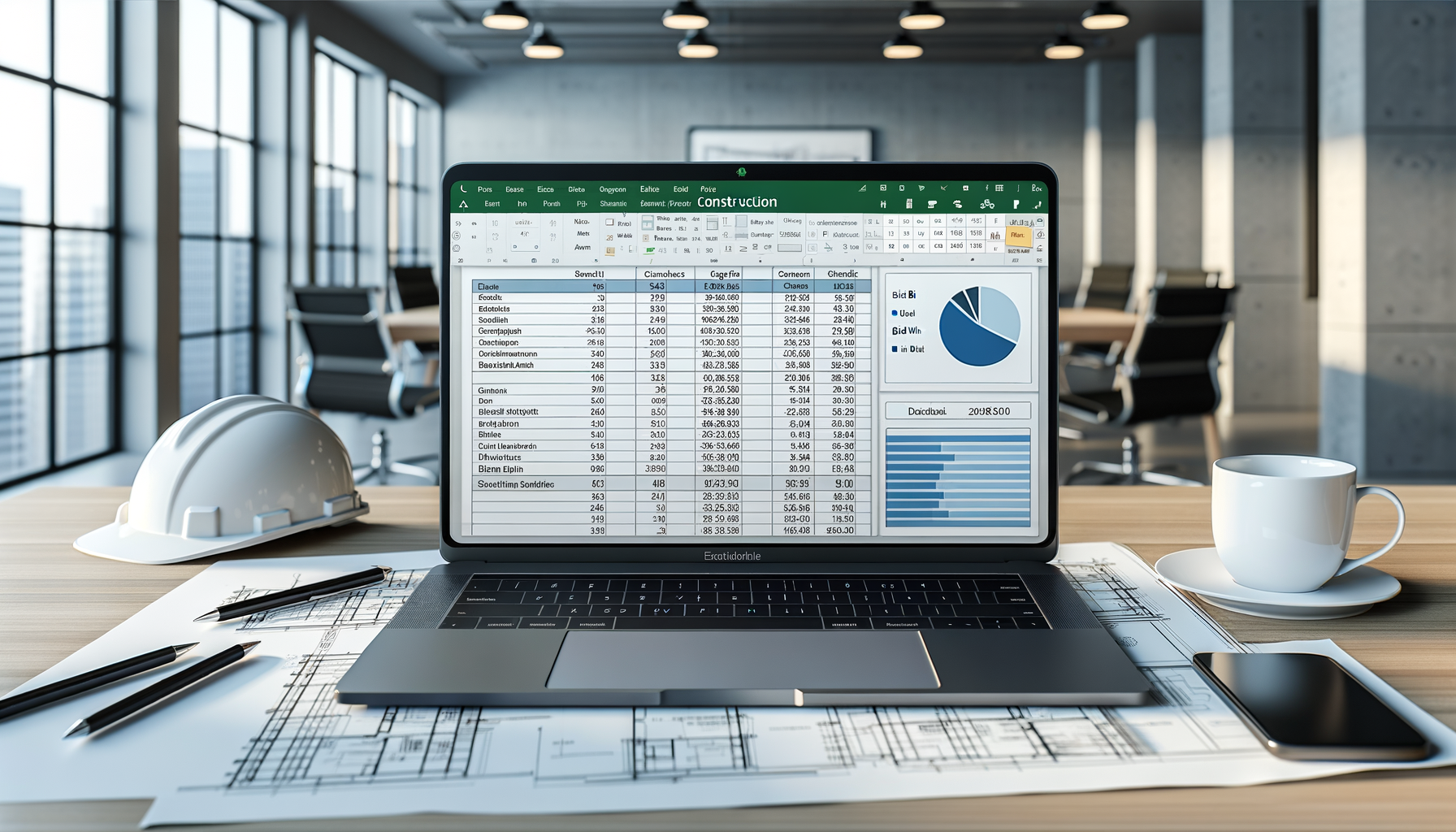
- Dashboard - Real-time KPIs: total workers, total hours this week/month, average hours per worker, overtime hours, and regular vs. overtime ratio. Bar chart by worker and pie chart for regular vs. OT split. All formulas update automatically
- Daily Time Log - Date, worker name, worker ID, trade/craft, start time, end time, break hours, with auto-calculated regular hours (capped at 8), overtime hours, and total hours. Dropdown for 12 construction trades. Overtime rows highlighted in orange
- Worker Directory - Worker ID, name, trade/craft, hourly rate, auto-calculated OT rate (1.5x), phone, emergency contact, start date, and Active/Inactive status with color coding
- Weekly Summary - Week selector dropdown with per-worker daily breakdown (Mon-Sun), weekly totals, regular vs. overtime split, and estimated cost using VLOOKUP to Worker Directory rates. Weeks over 40 hours highlighted
- Overtime Report - All workers with overtime hours, OT percentage, and estimated overtime cost. Summary totals at bottom
Key Features
- Automatic Hour Calculations - Enter start time, end time, and break. Formulas calculate total hours, split into regular (up to 8/day) and overtime automatically
- Overtime Highlighting - Any day with overtime hours gets orange conditional formatting so you can spot OT at a glance
- Cost Estimation - Weekly Summary calculates estimated labor cost per worker using hourly rates and OT rates from the Worker Directory
- Dashboard KPIs - Total workers, hours, overtime, and cost metrics update automatically from the time log
- Trade/Craft Dropdowns - 12 pre-built construction trades: Carpenter, Electrician, Plumber, HVAC, Ironworker, Laborer, Mason, Painter, Roofer, Welder, Foreman, Superintendent
- Weekly View - Select any week and see all workers' daily hours broken down with automatic totals
- Print-Ready Layouts - Professional formatting for payroll submission, project documentation, and management review
Who This Is For
- Construction site supervisors and foremen tracking daily crew hours
- General contractors managing labor costs across multiple trades
- Small construction companies needing simple time tracking without software subscriptions
- Project managers monitoring labor hours against project budgets
- Subcontractors documenting hours for billing and payroll
- Construction business owners who need overtime visibility and cost control
Sample Data Included
Template comes pre-loaded with realistic construction data so you can see exactly how it works:
- 122 daily time log entries across 2 weeks with 12 workers
- 12 workers in the directory across varied trades and hourly rates
- Weekly summaries with mixed regular and overtime hours
- Overtime report with cost calculations
Delete the sample data and replace with your own crew information. All formulas and formatting stay in place.
Compatibility
- Microsoft Excel 2016 or later
- Google Sheets (some features may vary)
- LibreOffice Calc
Instant digital download. One-time payment. No subscriptions.