Construction
Construction Safety Inspection & Compliance Checklist
Included Sheets
- Instructions
- Dashboard
- Daily Safety Checklist
- Incident Log
- Corrective Actions
- Inspection Schedule
Construction Safety Inspection & Compliance Checklist - Manage Site Safety from Walkthrough to Resolution in Excel
Run daily safety inspections, log every incident, track corrective actions to completion, and monitor your safety performance over time. Built for site supervisors, safety officers, general contractors, and construction managers who need a single system to keep their jobsite compliant and their crew safe.
What's Included
Excel workbook (.xlsx) with 6 integrated sheets:
- Instructions - Quick start guide with sheet descriptions and step-by-step setup tips
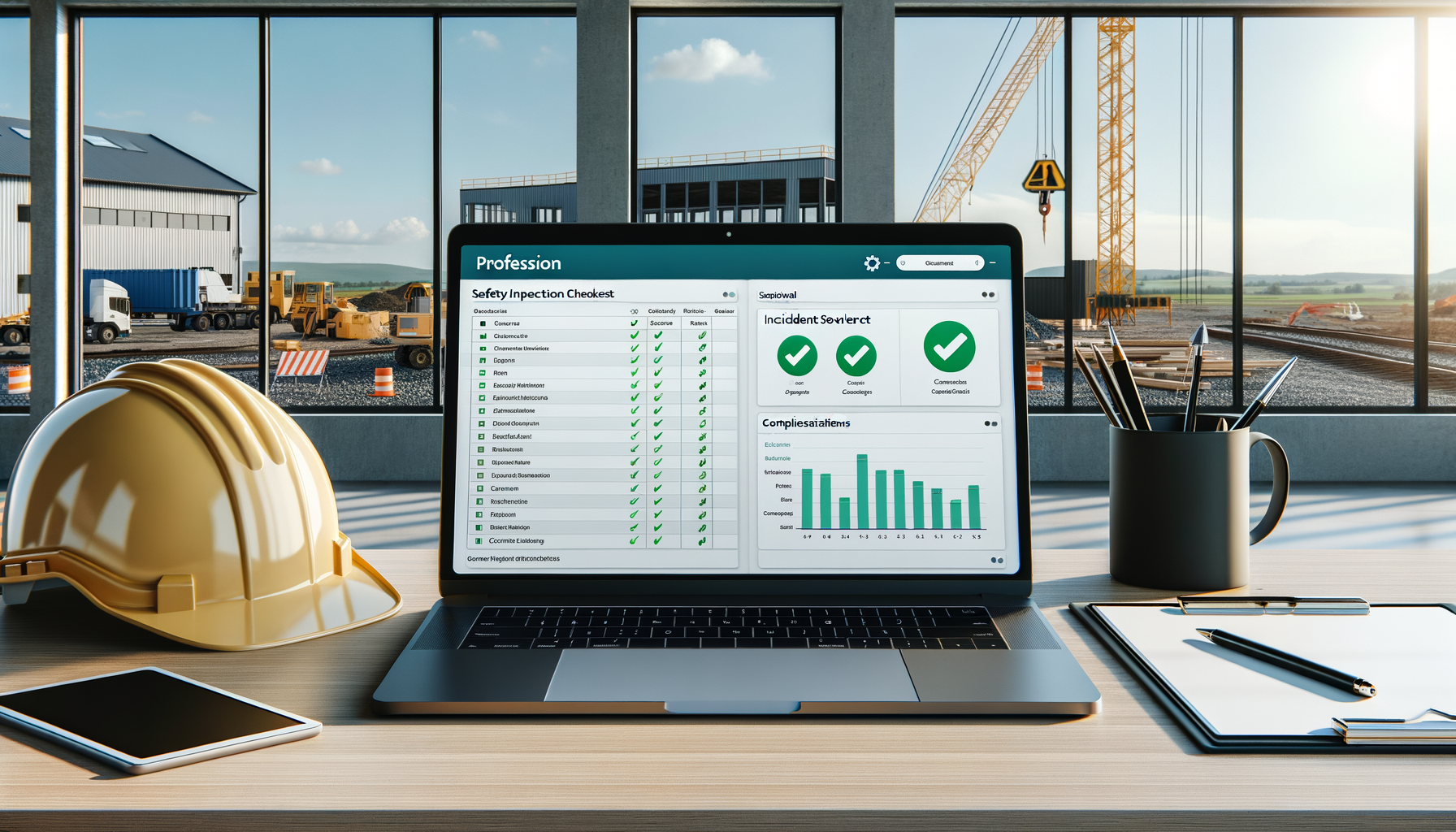
- Dashboard - Real-time safety KPIs: total inspections, open issues, resolution rate, days since last incident, severity breakdown pie chart, and corrective action status bar chart. All formulas update automatically from other sheets
- Daily Safety Checklist - Date, inspector, site location, and 8 checklist categories (PPE Compliance, Fall Protection, Scaffolding, Electrical Safety, Excavation Safety, Housekeeping, Fire Prevention, Signage & Barricades) with Yes/No/N/A dropdowns. Auto-calculated score and Pass/Fail result per inspection
- Incident Log - Date, time, location, description, severity (Minor/Moderate/Serious/Critical dropdown), injured party, root cause, corrective action, status (Open/In Progress/Closed), and follow-up date. Color-coded severity formatting
- Corrective Actions - Action ID, related incident, description, assigned person, due date, status (Pending/In Progress/Complete/Overdue), completion date, and verification notes. Overdue items highlighted automatically
- Inspection Schedule - Equipment/area, inspection type, frequency (Daily/Weekly/Monthly/Quarterly/Annual dropdown), last inspection date, auto-calculated next due date, assigned inspector, and status with color coding
Key Features
- Automated Pass/Fail Scoring - Each daily inspection calculates a compliance score based on Yes/No responses (N/A items excluded) and flags FAIL results when the score drops below 87.5%
- Severity Color Coding - Incident Log uses four-level conditional formatting: red for Critical, orange for Serious, yellow for Moderate, green for Minor — see risk levels at a glance
- Overdue Highlighting - Corrective actions and inspection schedules automatically highlight items past their due date in red
- Dashboard Formulas - KPIs and charts pull data from other sheets automatically. No manual updates needed
- Data Validation Dropdowns - Consistent data entry across all sheets with pre-built dropdown menus for severity, status, frequency, and checklist responses
- Next Due Date Formulas - Inspection Schedule auto-calculates the next due date based on frequency (Daily=+1, Weekly=+7, Monthly=+30, Quarterly=+90, Annual=+365)
- Print-Ready Layouts - Professional formatting suitable for field use, management review, and regulatory documentation
Who This Is For
- Construction site safety officers managing OSHA compliance and daily walkthroughs
- General contractors responsible for multi-trade jobsite safety on commercial projects
- Site supervisors conducting daily safety inspections and tracking findings
- Construction project managers who need safety performance data for owner reports
- Safety directors overseeing multiple jobsites and tracking incident trends
- Subcontractors required to maintain safety documentation by the GC or owner
Sample Data Included
Template comes pre-loaded with realistic construction safety data so you can see exactly how it works:
- 17 daily inspection entries across 2 weeks with mixed Pass/Fail results
- 8 incidents ranging from Minor trip hazards to Critical falling object near-misses
- 11 corrective actions in various stages from Complete to Pending
- 12 inspection schedule items covering cranes, scaffolds, fire extinguishers, PPE, and electrical systems
Delete the sample data and replace with your own site information. All formulas and formatting stay in place.
Compatibility
- Microsoft Excel 2016 or later
- Google Sheets (some features may vary)
- LibreOffice Calc
Instant digital download. One-time payment. No subscriptions.